
The following is general view for the Labels

This is how it looks like

How to connect to AIP module
Connect-AadrmService


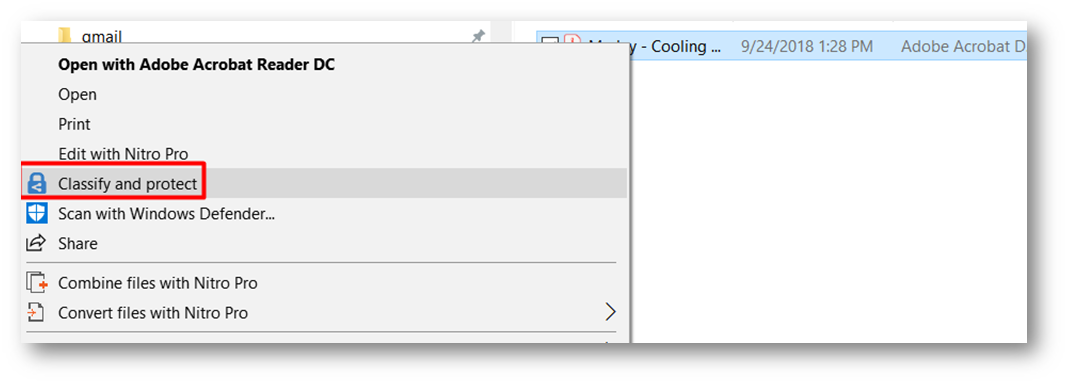
This is how you classify the PDF

PowerShell for Azure Portal Admin tasks
Install the module
Import-Module AzureInformationProtection
Gets the Azure Information Protection label and protection information for a specified file or files.
The following command to view the file status
Get-aipfilestatus
The following is how you get the label ID

Set-AIPFileLabel(you will need the label ID)
Sets or removes an Azure Information Protection label for a file, and sets the protection according to the label configuration.
The following is the permissions for labels

 Microsoft Systems, Cloud and azure professionals