
Configure the Secure Store Service in SharePoint 2013
|
Secure Store Service |
Provides single sign-on authentication to access multiple applications or services. |
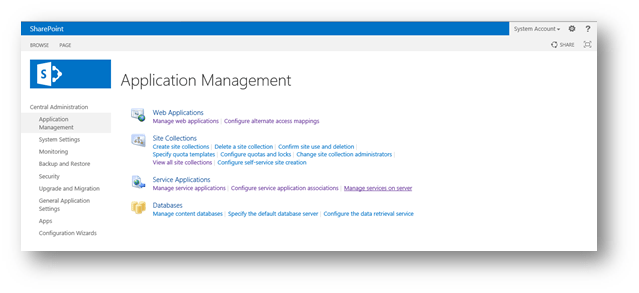
Go to services on server
And choose the application pool you need to run this service on
Start the service
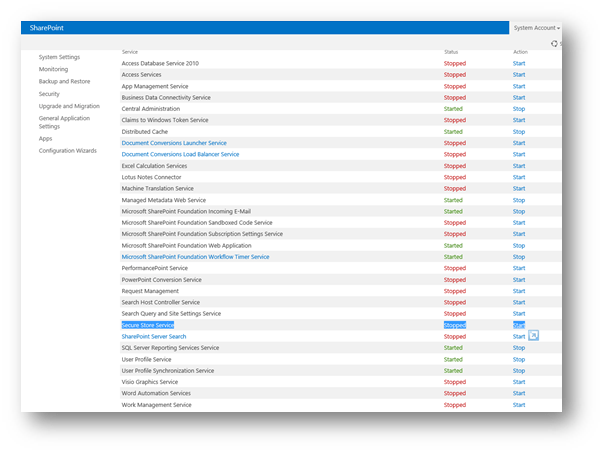
After starting the service
Go to the manage service application
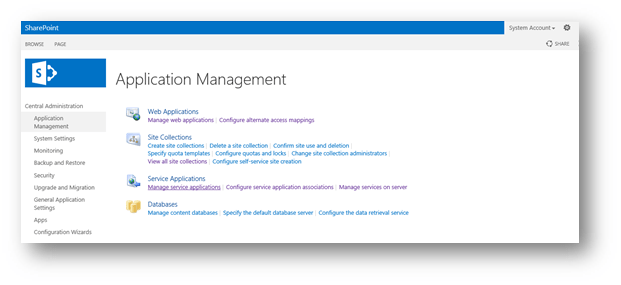
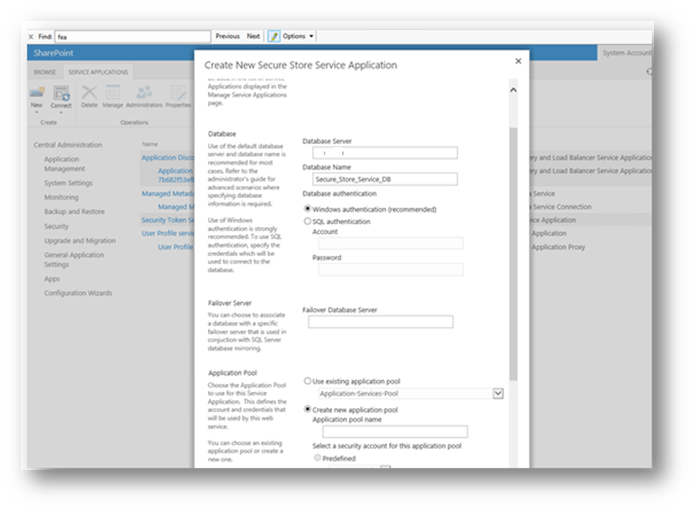
Create new secure store service

Configure it and name it
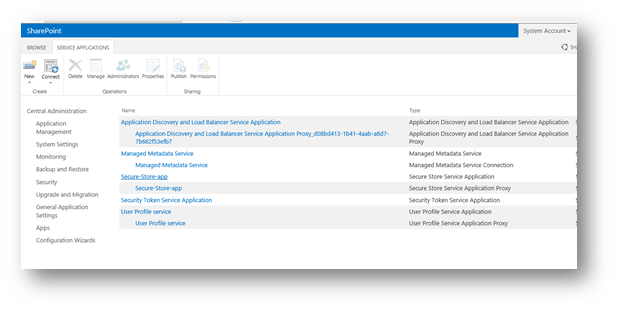
Now you have the application service created
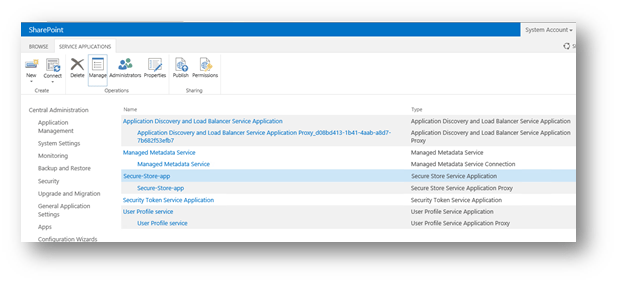
Go to manage the service
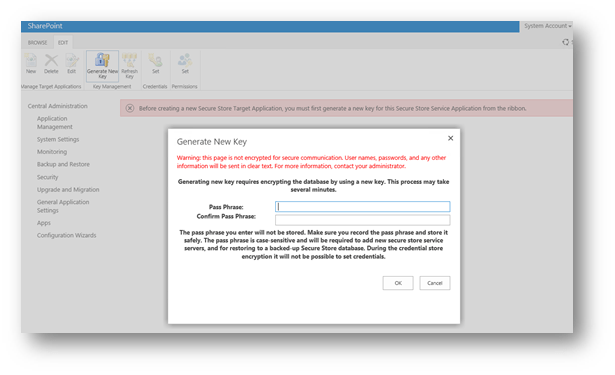
You will have the following message about generating secure key to be used
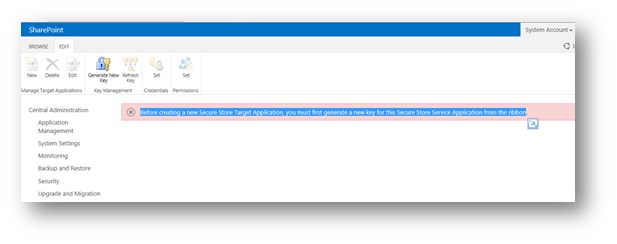
Generate new key and enter the pass phrase
 Microsoft Systems, Cloud and azure professionals