
First you have to enable the rendition and blob
Image rendition is a new feature in SharePoint 2013 to allow users to resize the images and fix predefined template images to use web parts or SharePoint pages. For example when an user wants to use a perfect size images in an body of a blog post. This images should be perfect sizes and need to follow the formatting rules.
First create team site
Go to site settings site column
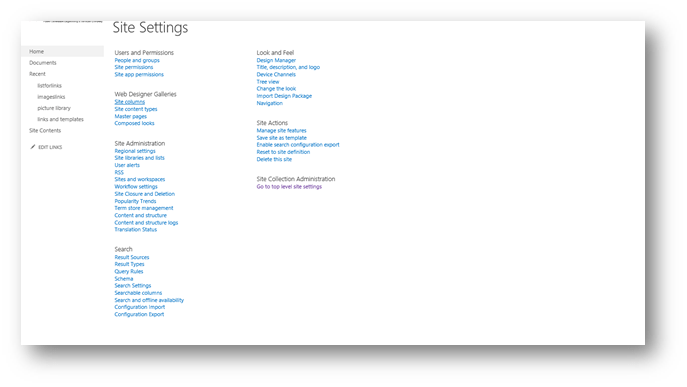
Then image with formatting

Create a list
Then go to list settings

Add from existing columns
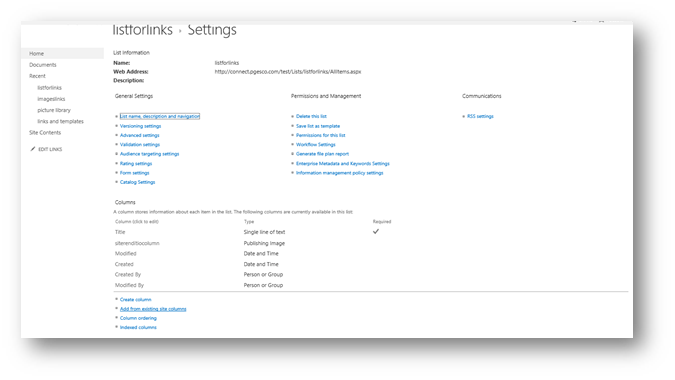
Then choose the group and column

Then go to the list and add new item and fill the columns
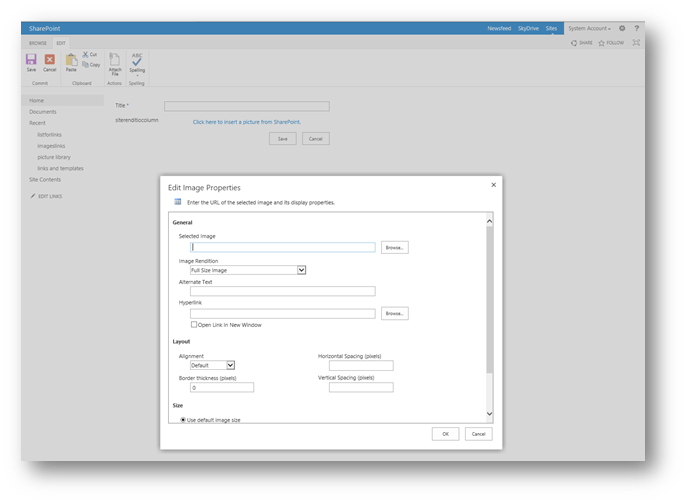
Then you will have the following view

 Microsoft Systems, Cloud and azure professionals