
First go to any list
The choose List in the ribbon
Then list settings

Then save list as template

Then list name
Type what you want
You can include contents if you want 
Then go to list template galley do not press ok

Then mark the check box next to the template
And download a copy

Save it to the disk

Then copy it to the sharepoint 2013 server
Then open the home of sharepoint 2013
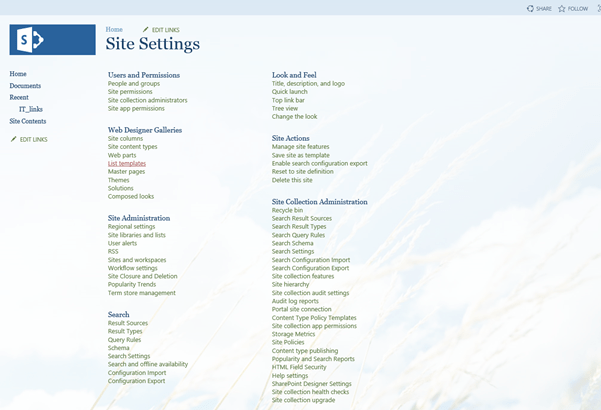
Go to site settings

Then under web Designer Galleries
List templates
Go to files in the Ribbon
Then upload gallery
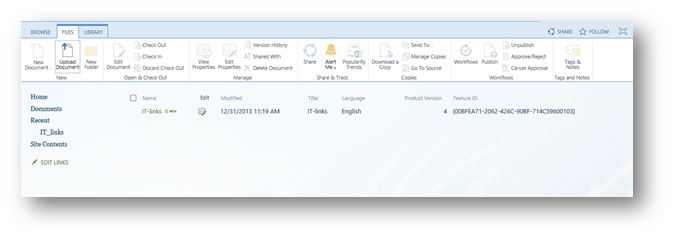
Then browse choose the document then open


Then save

Then go to the site where you want to add the list
Then site settings
Add app
In the search type then name then search then choose it

Then give it a name and create it
 Microsoft Systems, Cloud and azure professionals