
How to restore SharePoint to another farm
how to restore SharePoint to another Farm
The scenario we will use is that we have a web application and we need to attach another Database to it
First copy the database the two files of the content
MDF and LDF files of the content
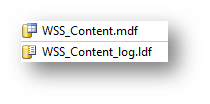
Copy them to the new farm
In addition, it will be better to disable the web application server
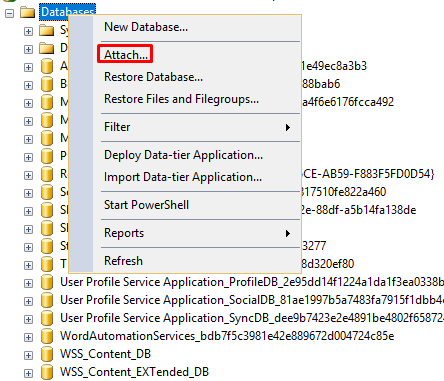
Then right-click the databases and right click attach
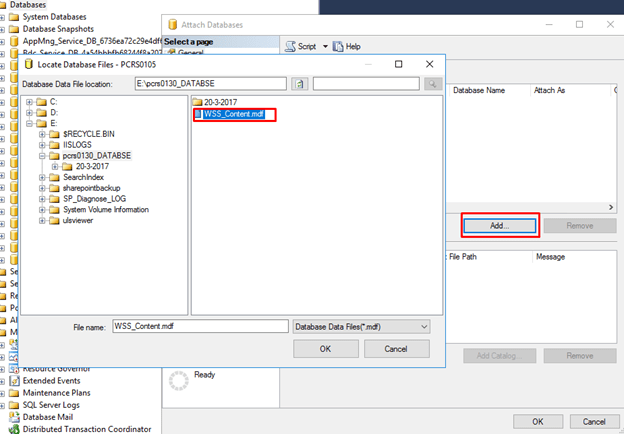
Then add the MDF file
Then it will be attached with the following name
rollbackSnapshotTempGUID

Renamed to the original name
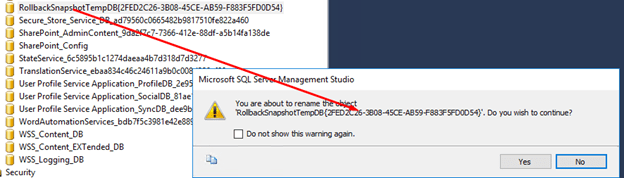
This is the new name

How-To connect Content DB to a SharePoint Web application
Then go to the SharePoint central admin to know the web application you need
Then
Application management then manage content database

Change the web application you want 
Then choose the web Application
Please use the PowerShell not the GUI
Run the following command
Mount-SPContentDatabase -Name Databasename -WebApplication webappicationname

Now the database has been assigned and upgraded
 Microsoft Systems, Cloud and azure professionals